
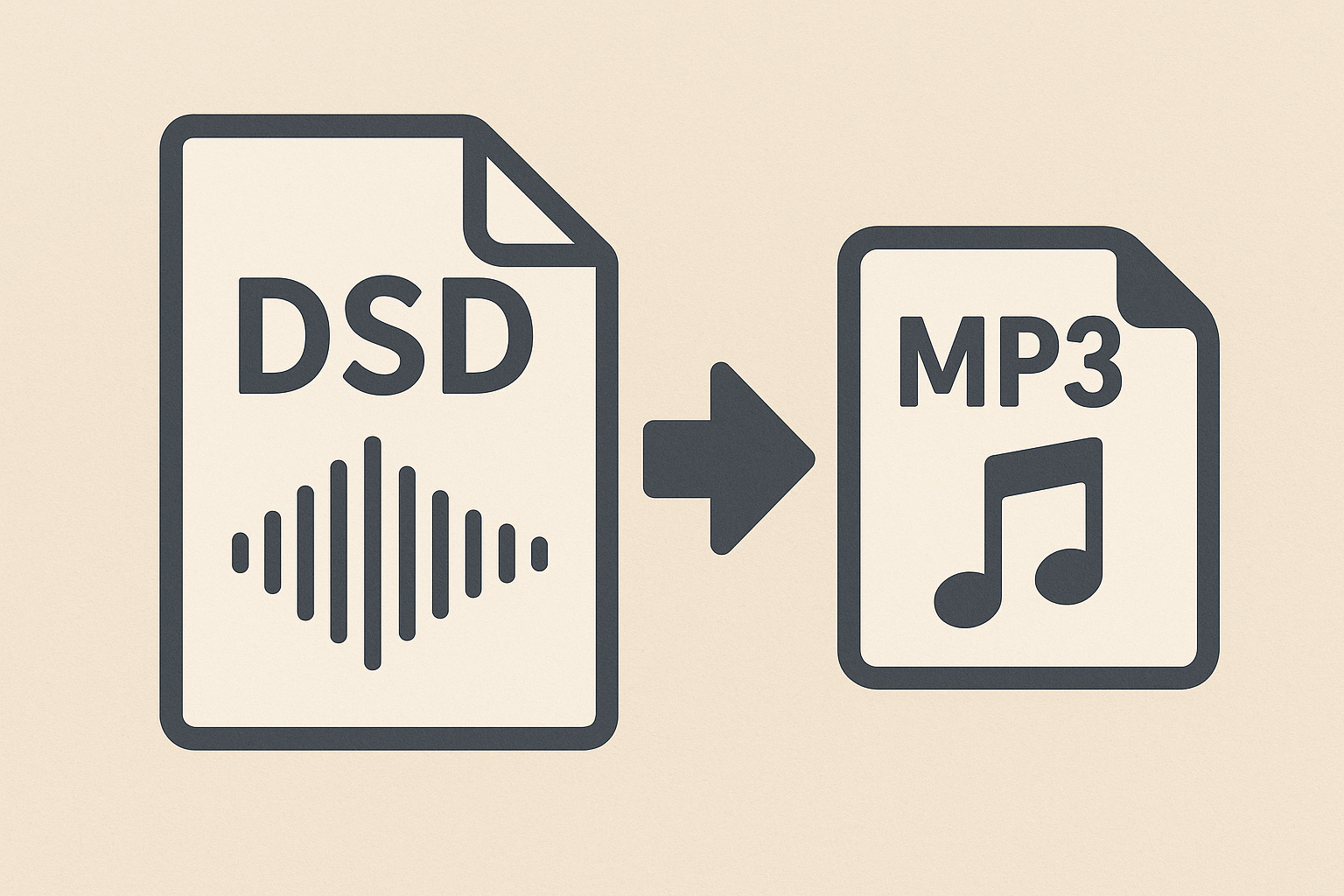
In today’s time, everyone needs good audio, whether you want to use it for professional or personal use. Since audio formats have evolved over time, they provide different audio quality levels while maintaining compatibility. Professional users who are working with high-resolution music recordings commonly use DSD, i.e., Direct Stream Digital, for excellent sound quality. Though this may not be supported by everyday devices and media players,s that is why it is important to convert DSD to MP3. Here, we will help you to understand what a DSD file is, its importance, different methods to perform the conversion, common errors users face, and how to avoid them.
What Does a DSD File Mean?
It is important to understand what exactly a DSD file is. In simple words, DSD, the short form of Direct Stream Digital, is a high-resolution audio format that was originally developed for Super Audio CDs. DSD files deliver high-quality sound that feels natural and accurate to the users. The most common extensions used for DSD files are.DSD and DFF, which are usually large in size and requires a special software or hardware to play them. Hence, this limitation leads to convert DSD to MP3 for more accessible formats.
Reasons to Convert DSD Files to MP3
As we know, MP3 is one of the most popular audio formats that has been used by many users, and DSD offers superior sound quality. So, for those who don’t want to compromise and want a flexible and convenient sound quality, it becomes a necessity to convert DSD to MP3 for everyday use. Some of the reasons are given below:
-
MP3 files can be played on almost all devices, which include your smartphones, laptops, tablets, or even in your car audio systems.
-
DSD files are very large, while MP3 files take up considerably smaller file sizes
-
MP3 files can be easily shared via email, cloud storage, or messaging apps.
-
MP3 files load and play instantly on most media players.
-
Unlike DSD, MP3 files do not need specialized players or plugins.
Author’s Suggestion: Read this blog if you want to convert S3M to MP3 without compromising on audio quality.
Steps to Convert DSD Files into MP3
After knowing the necessity of exporting DSD to MP3, it is also important for the users to know the different ways to convert DSD to MP3. This makes it possible for the users to enjoy high-quality audio in a more widely supported format. Hence, by following the right steps, users can ensure that their audio maintains its sound quality, whether they want to free up storage or play music on more devices. So, depending on the preferences and availability of tools, the user can choose any of the method that fits best for them.
#1. Working with Automated Systems
Nowadays, nobody wants a complex task. So, to reduce the risk of manual errors and make the process easier, using a third-party tool like SysTools Audio Converter Software will improve overall productivity. It not only saves your time but also maintains large datasets by converting file formats, doing standard maintenance, and reducing the chance of errors. It has been noticed that, unlike manual methods, automated methods provide a reliable and flexible solution that enhances accuracy and boosts productivity.
-
First, download and install an automated tool.
-
Start the program and then add the DSD files you want to convert.
-
Then, select the MP3 as the file type
-
Decide on your output preferences, like audio quality, and then save the location as you want
-
To start the process, click on the convert option
-
After it's completed, you can now access your converted MP3 files in the chosen location.
#2. Working with Command-Line Tools
For those who do not wish to rely on graphical interfaces, they can use command-line tools. It is mostly famous for handling repetitive operations, managing files, or processing large datasets. This also gives the user more control over their system and helps them to streamline workflow by simply learning the basic commands.
-
Open the Command-Line Interface on Windows
-
Navigate to the desired folder where your files are located
-
You can check available commands by using --help or man [command].
-
Run the command using the correct options.
-
Review the results and fix anything if necessary.
#3. Convert DSD to MP3 Free of Cost
If a user doesn't wish to spend money on tools, then it is an easy way to export DSD to MP3. Here, the user doesn't need to buy or pay for any software and can simply rely on free and open source tools. This suitable method is a game-changer for those who want to convert DSD to MP3 by using a few steps:
-
Download and install a free tool such as FFmpeg or SoX
-
Open the command prompt to confirm that the tool supports DSD formats
-
Use FFmpeg to convert the file to MP3 and choose your sound quality setting.
-
After conversion, the user can play the MP3 file to ensure that the audio quality and duration are correct
-
Check if the sound isn’t clear and perform the conversion again with a higher sound rate or an alternate sample rate.
Mistakes to Avoid When Exporting DSD to MP3
There are multiple ways to convert DSD to MP3 easily. However, one should be aware of certain mistakes that can affect the audio quality or even lead to failed conversions. Therefore, understanding some of the common errors can help you avoid getting frustrated and help you achieve better successful results.
-
Some converters do not fully support.DSF or.DFF files.
-
Choosing a lowsound quality level can result in poor sound quality.
-
Large DSD files may cause crashes or incomplete conversions.
-
Playing or converting DSD files requires more computing power.
-
Audio may become distorted or completely silent if settings are incorrect.
Overview
As we know, DSD offers exceptional sound, but their large size and limited support make them inconvenient for everyday use. MP3 provides a perfect balance between quality, file size, and accessibility. Hence, a practical solution for many is by exporting DSD to MP3, which keeps the sound quality high without facing any compatibility issues, making it a necessity. By avoiding common errors, a person can easily convert DSD to MP3 using a suitable method and enjoy music on any device.

 English
 Arabic
 French
 Portuguese
 Deutsch
 Turkish
 Dutch
Dutch
 Italiano
 Russian
 Romaian
 Portuguese (Brazil)