
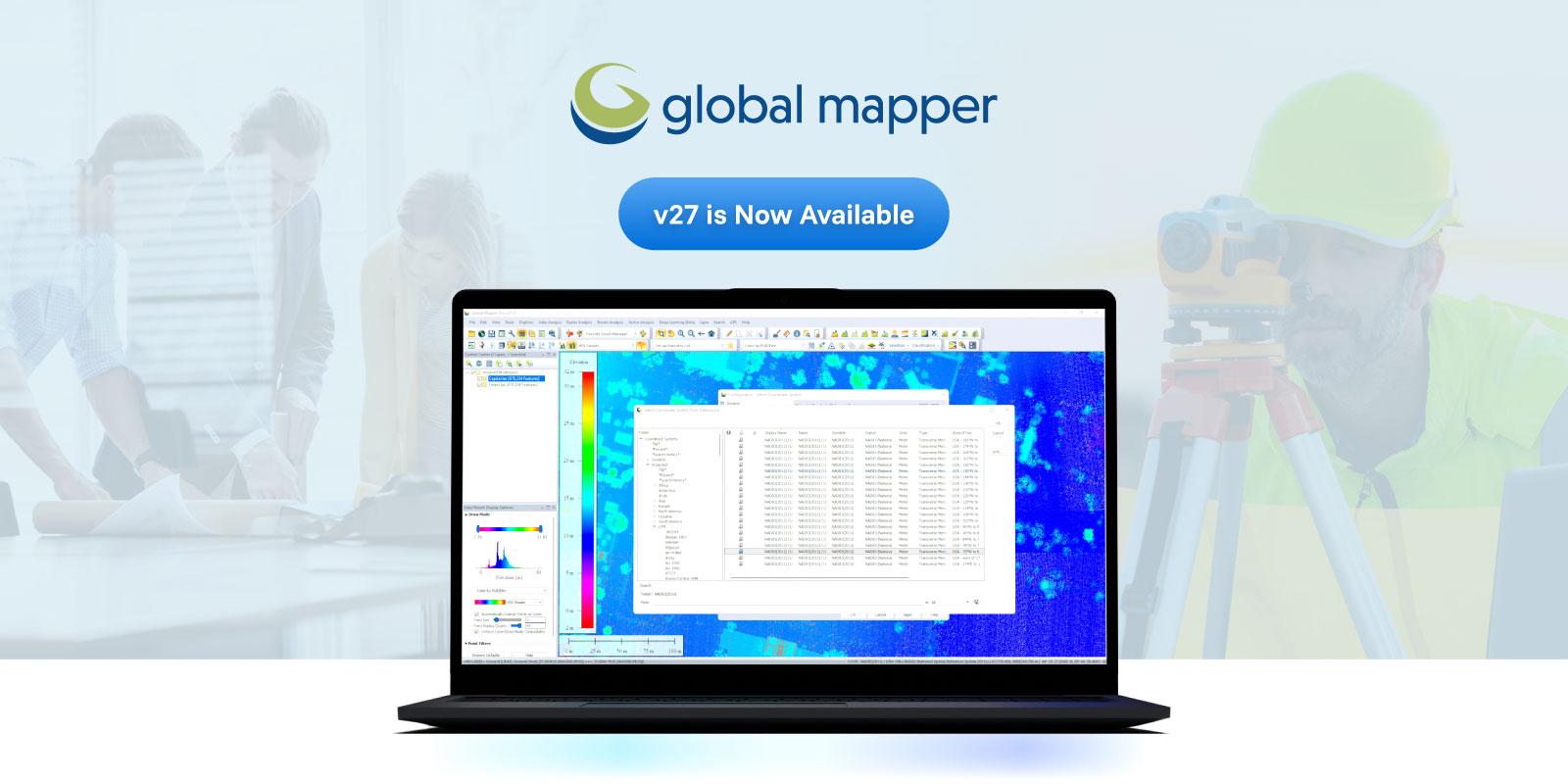
In the expansive world of Geographic Information Systems (GIS), a few heavyweight names often dominate the conversation. However, quietly powering the workflows of thousands of surveyors, engineers, and spatial analysts worldwide is a powerhouse application known as Global Mapper.
Developed by Blue Marble Geographics, Global Mapper has carved out a unique and indispensable niche in the GIS industry. Often affectionately referred to as the "Swiss Army Knife" of GIS, it is celebrated for its incredible versatility, user-friendly approach, and robust analytical capabilities at a fraction of the cost of traditional enterprise solutions.
Here is a look at what makes Global Mapper an essential tool for spatial data professionals.
1. Unmatched Format Interoperability
If spatial data exists, chances are Global Mapper can open it. One of the software's most renowned features is its ability to read, write, and convert an astonishing number of spatial data formats—over 300 and counting.
Whether you are dealing with common formats like Shapefiles, GeoTIFFs, and KMLs, or obscure proprietary file types, Global Mapper acts as a universal translator. This saves professionals countless hours of data wrangling, allowing them to seamlessly integrate vector, raster, and elevation data from disparate sources into a single workspace.
2. Powerful Terrain and 3D Analysis
Global Mapper excels at handling elevation data. It provides out-of-the-box tools for complex terrain analysis that are both intuitive and fast. Users can easily generate contours, calculate cut-and-fill volumes, perform line-of-sight analysis, and delineate watersheds.
Furthermore, the software features a built-in 3D Viewer that allows users to visualize their data from multiple perspectives. Draping a 2D satellite image over a 3D digital elevation model (DEM) takes only a few clicks, making it incredibly easy to create compelling visual representations of topographies.
3. Advanced LiDAR Processing (Global Mapper Pro)
While the base version of Global Mapper is highly capable, the introduction of Global Mapper Pro (which incorporated the previously separate LiDAR Module) elevated the software to a new level.
As the use of drones and laser scanning has exploded, the Pro version provides a comprehensive suite of tools specifically designed for processing massive point cloud datasets. It includes features for:
-
Automatic Point Classification: Automatically identifying ground, vegetation, buildings, and powerlines within a point cloud.
-
Feature Extraction: Generating 3D building models or tree vectors directly from LiDAR data.
-
Photogrammetry: The Pixels to Points tool allows users to create 3D point clouds, orthoimages, and meshes directly from drone-captured overlapping imagery.
4. Accessibility and Cost-Effectiveness
Historically, advanced GIS software has been synonymous with steep learning curves and massive licensing fees. Global Mapper disrupts this model by offering a highly intuitive user interface. While it possesses deep analytical tools, performing basic tasks like reprojecting data, cropping images, or exporting to a new format can be learned in minutes.
Combined with a flexible and comparatively affordable pricing structure, it has democratized access to advanced spatial analysis for small businesses, independent surveyors, and academic institutions that might be priced out of larger enterprise ecosystems.
The Bottom Line
Global Mapper may not be designed to replace massive, enterprise-level GIS databases, but it is often the software that professionals open first to get the job done efficiently. Its blend of format support, powerful analytical tools, and approachability makes it a vital asset for anyone working with geospatial data.


 Arabic
 French
 Spanish
 Portuguese
 Deutsch
 Turkish
 Dutch
Dutch
 Italiano
 Russian
 Romaian
 Portuguese (Brazil)