
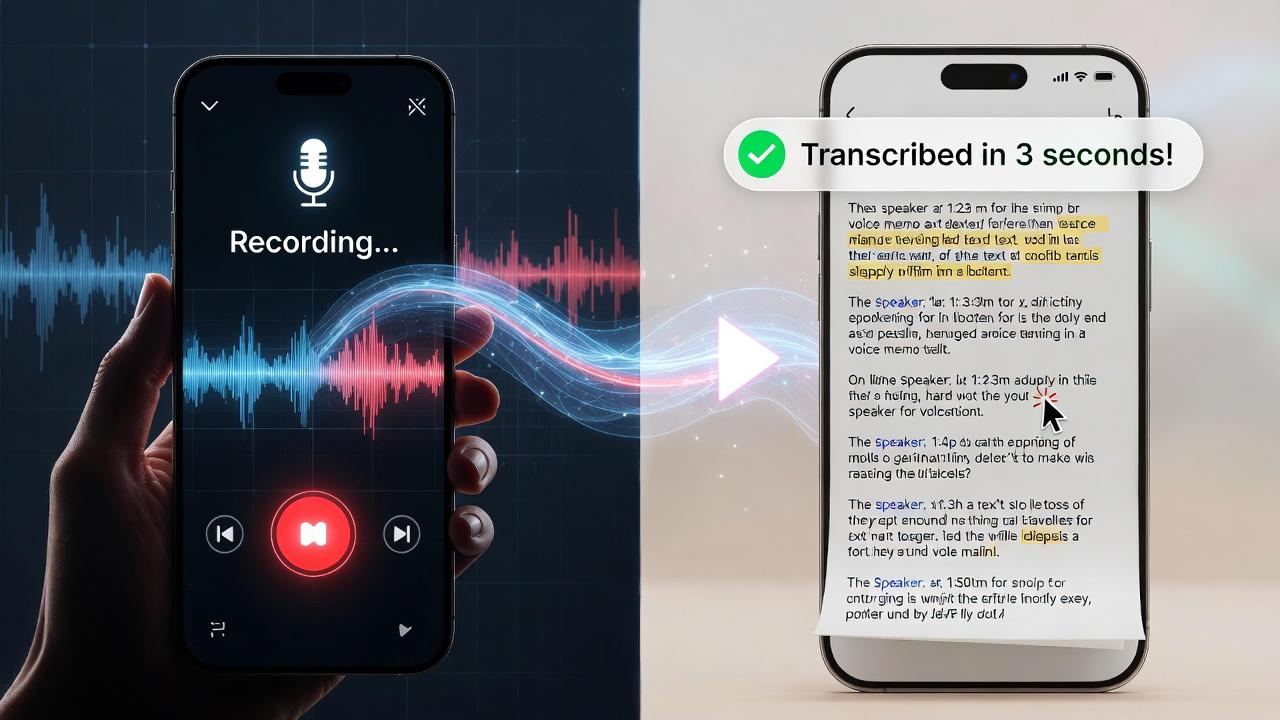
Stop Typing Your Recordings Manually
Stop typing out your recorded thoughts manually. Modern AI tools convert voice memo to text in seconds with 95%+ accuracy, turning hours of audio into searchable, editable documents instantly. Whether you're capturing meeting notes, lecture recordings, interview audio, or quick voice thoughts, these tools automatically transcribe MP3, WAV, M4A, and other audio formats. The technology has evolved dramatically, eliminating the tedious process of replaying audio files and pausing to type every word. Today's speech recognition software handles multiple speakers, various accents, and even challenging audio conditions with remarkable precision. Discover the fastest ways to transform your voice memos into text without manual typing.
How Voice Memo to Text Works
AI-powered speech recognition analyzes your audio file and converts spoken words into written text automatically. The process takes three simple steps:
Upload your voice memo - Drag and drop MP3, WAV, M4A files or paste recording links directly into the transcription platform. Most tools support batch uploads for multiple files.
Select language - Choose from 30+ supported languages including English, Spanish, French, German, Japanese, and more. Some platforms automatically detect the language for added convenience.
Get instant transcript - Receive editable text in minutes via email or download directly from the platform. The transcript includes timestamps and speaker identification where applicable.
Advanced algorithms handle various speech patterns, accents, and background noise for high accuracy. Machine learning models continuously improve by processing millions of hours of audio data, learning to distinguish between similar-sounding words through context. The technology works with pre-recorded files or real-time recording for live transcription, making it versatile for both archival audio and ongoing conversations.
Top 5 Voice Memo to Text Tools
1. Notta (Best Free Option)
Notta stands out for users seeking a zero-cost solution with professional results. Upload voice memos up to 5 minutes free, making it ideal for quick recordings, brief meetings, or short voice notes. The 3-step process couldn't be simpler: upload, select language, receive transcript via email within minutes. The platform supports 100+ languages with AI-powered accuracy that rivals paid services. Mobile apps for iOS and Android allow on-the-go transcription, syncing seamlessly across devices. The free tier provides enough functionality for casual users, while paid plans unlock longer recordings and advanced features like custom vocabulary.
2. Tactiq (Best for Meetings)
Tactiq specializes in real-time transcription during virtual meetings on Zoom, Google Meet, and Microsoft Teams. The tool automatically joins your meetings and transcribes conversations as they happen, capturing every word without recording video. It supports 30+ languages with high accuracy, adapting to business terminology and technical jargon. The platform handles MP3, WAV, M4A formats seamlessly for pre-recorded content as well. Team collaboration features allow sharing transcripts with colleagues, highlighting key moments, and extracting action items automatically. Integration with productivity tools like Slack and Notion streamlines workflow management.
3. Transkriptor (Best Mobile App)
Transkriptor delivers AI voice memo transcription optimized for Android and iOS devices. The mobile-first design converts voice notes with precision, whether recorded directly in-app or imported from your phone's voice memo library. An integrated AI assistant provides summarization and analysis, extracting key points and generating meeting summaries automatically. The tool supports multiple audio and video formats including less common codecs, ensuring compatibility with various recording devices. Cloud sync keeps transcripts accessible across all your devices, while offline mode allows transcription without internet connectivity.
4. Descript (Best for Editing)
Descript revolutionizes the editing process with fast, accurate AI that learns your speech patterns over time. The built-in transcript editor features timeline synchronization, allowing you to edit audio by simply editing text—delete words from the transcript and the corresponding audio disappears. This makes podcast editing remarkably efficient. Export options include text documents, audio files, or shareable web links with embedded players. The platform is perfect for podcasters and content creators who need both transcription and production capabilities in one tool. Overdub feature even lets you create synthetic voice recordings by typing.
5. HappyScribe (Best for Accuracy)
HappyScribe achieves 95%+ accuracy for interviews and podcasts through advanced neural networks trained on diverse audio datasets. The platform can transcribe lectures and meetings in seconds, handling technical terminology and industry-specific vocabulary with remarkable precision. Speaker identification automatically labels who said what in multi-person recordings. A free trial lets you test the service with pay-per-minute pricing afterward, making it cost-effective for variable usage. Subtitle generation and translation features extend functionality beyond simple transcription, supporting content localization for global audiences.
Step-by-Step Guide to Convert Voice Memo to Text
Using Notta (Free Method)
Step 1: Access the Tool
Visit notta.ai/tools/transcribe-voice-memo-to-text through your web browser or download the mobile app from the App Store or Google Play. No account creation is required for the basic free service, allowing immediate access.
Step 2: Upload Your Recording
Click "Select File" and browse for your voice memo in your device's file system, or drag and drop MP3, WAV, M4A files directly onto the upload area. The interface displays upload progress and file size. Files up to 5 minutes are processed free.
Step 3: Configure Settings
Select the audio language from the dropdown menu—accuracy improves when the correct language is specified. Enter your email address to receive the transcript. This email serves as your delivery method and doesn't require registration.
Step 4: Start Transcription
Click "Confirm" to begin automatic conversion. The AI processes your audio in the cloud, typically completing transcription within 2-3 minutes depending on file length and server load.
Step 5: Download Text
Check your email for the transcript link, which arrives within minutes of processing completion. Click through to view, edit, or download the transcript in TXT, DOCX, or PDF format. Download links expire in 72 hours, so save your files promptly.
Pro Tips for Best Results
Record in quiet environments - Minimize background noise for accuracy. Even moderate ambient noise from HVAC systems, traffic, or office chatter can reduce transcription quality by 10-15%. Use a quiet room or closet for important recordings.
Use high-quality microphones - Better audio equals better transcription. Built-in phone microphones work adequately, but external microphones produce cleaner audio that transcription AI processes more accurately, especially for softer voices.
Speak clearly at normal pace - Avoid rushed or mumbled speech. Enunciate words clearly without over-emphasizing, maintaining a natural conversational pace. Extremely fast speech may cause words to blend together, while overly slow speech can confuse AI timing algorithms.
Supported formats include MP3, WAV, M4A, FLAC, OGG, and most common audio codecs. Lossless formats like FLAC provide the highest quality source material, though compressed formats work well for voice content.
Check audio quality before uploading long recordings - Play back the first 30 seconds to verify volume levels and clarity. Adjust microphone position or recording settings if needed before capturing lengthy content.
Common Use Cases for Voice to Text Conversion
Meeting and interview transcriptions - Capture every detail from client meetings, team discussions, and candidate interviews without distraction. Review exact quotes and commitments later rather than relying on incomplete notes.
Lecture notes for students - Record classroom lectures and seminars, then convert to searchable text for exam preparation. Search transcripts for specific topics or keywords when studying.
Podcast and video content repurposing - Transform audio content into blog posts, social media quotes, and show notes. Transcripts improve SEO and accessibility for hearing-impaired audiences.
Journaling and personal voice notes - Capture thoughts, ideas, and daily reflections through voice, then organize them as text documents. Voice journaling feels more natural than typing for many people.
Business documentation and reports - Dictate reports, documentation, and emails more quickly than typing. Edit the transcript to add structure and formatting for professional deliverables.
Start Converting Voice Memos Today
Converting voice memo to text takes seconds with modern AI tools. Notta offers the easiest free solution with email delivery, requiring no registration for basic use. Tactiq excels for real-time meeting transcription with team collaboration features, while Transkriptor dominates mobile transcription with its intuitive smartphone apps. For editing-heavy workflows, Descript combines transcription with audio editing, and HappyScribe delivers industry-leading accuracy for professional applications. Stop manual typing and start auto-transcribing your voice recordings today—the technology is free, fast, and remarkably accurate.

 Arabic
 French
 Spanish
 Portuguese
 Deutsch
 Turkish
 Dutch
Dutch
 Italiano
 Russian
 Romaian
 Portuguese (Brazil)